
If you are planning on coming onto the BCC campus, please complete the mandatory Daily Self-Health Check
Two ways to take the Daily Self-Health Check:
1. Through the BCC App (Download on iOS App Store or Google Play)
2. Through the webform on the BCC website
How to take the Daily Self-Health Check
BCC APP:
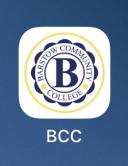
1. Download the BCC App from the Apple iOS App Store or Google Play Store
2. Open the BCC App
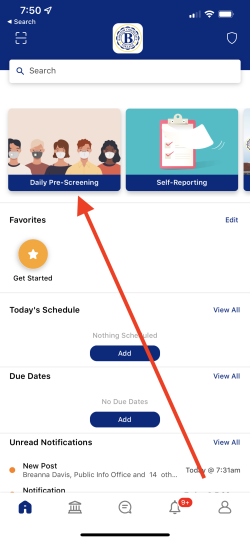
3. Tap on the Daily Pre-Screening Tile
4. Fill out the the form and submit
Webform:
1. Click on the webform by visiting this link or clicking on the link located on the upper left of the BCC website
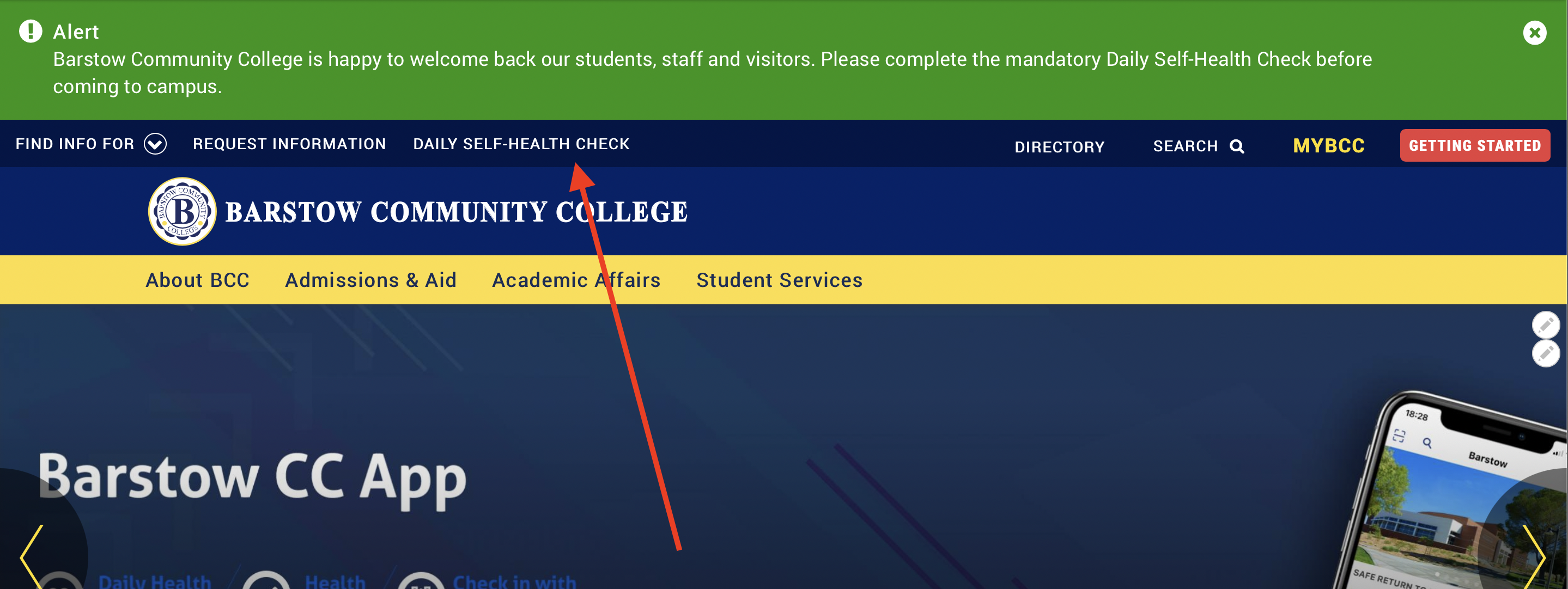
2. Fill out the form and submit.
On Campus Locations
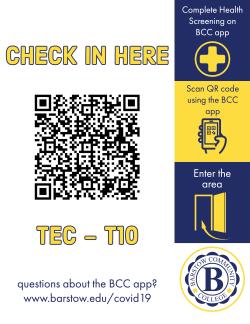
For everyone’s safety and wellbeing, we kindly ask that you Check-In whenever entering a location where you see a sign like this
To scan the QR Code, please open the camera within the BCC App by tapping the icon in the upper left-hand
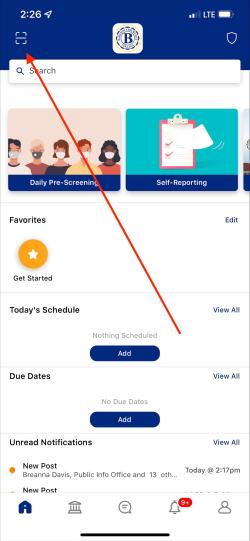
corner:
